
Social engineering attacks target people rather than technical vulnerabilities. Instead of exploiting a flaw in software or infrastructure, attackers manipulate someone into taking an action: clicking a malicious link, sharing login credentials or sensitive information, approving a payment, or giving them access they shouldn't have.
That means strong technical defenses alone can’t stop every attack. A convincing phishing email, for example, may reach an employee without triggering traditional security controls.
In this guide, we’ll look at how social engineering attacks work, the psychology behind them, the main types and examples, and how to defend against them.
What is a social engineering attack?
A social engineering attack manipulates a person into giving up information, access, or money rather than exploiting a technical vulnerability. Instead of finding a weakness in software or infrastructure, the attacker creates a situation that convinces someone to do what they want.
Most social engineering attacks have three things in common:
- A pretext: A believable story and false identity, such as your bank, IT department, a known vendor, or your CEO.
- A trigger: An emotional lever, such as urgency, fear, authority, curiosity, or trust, that encourages someone to act quickly.
- An ask: The action the attacker wants someone to take, such as sharing login credentials, approving a payment, clicking a malicious link, or running a command.
That’s what separates social engineering from a purely technical attack. Malware and exploits target technology directly. Social engineering tactics target the person using it, persuading them to take an action that appears legitimate.
Why social engineering works: the psychology
Social engineering attacks exploit a small number of human instincts. Recognizing those instincts matters more than memorizing individual tactics because the tactics change, but the psychological triggers behind them don’t.
- Authority: This could look like a message from the “CEO” asking you to skip the usual approval process. A 2024 study in Information and Computer Security looked at 67 real-world mobile phishing attacks. It found that authority was among the most frequently used persuasion principles.
- Urgency: This could be an invoice that has to be paid today before a vendor halts a shipment. A 2025 study in Information and Computer Security found that people were less able to identify phishing emails when they had less time to assess them, which is exactly the kind of time pressure an urgent request creates.
- Fear: An example would be a warning that your account will be suspended unless you confirm your login credentials immediately.
- Trust: This might look like a message that appears to continue an existing conversation with a supplier you’ve worked with for years.
- Curiosity: This could be an unexpected attachment with a filename that gives you a reason to want to open it.
- Reciprocity: An attacker might offer a small favor or piece of useful information first, making the request that follows feel like something you should return.
Interestingly, the 2024 study above found that most attacks combined three persuasion principles rather than relying on one. Training should therefore teach people to recognize when a request is influencing their decision and pause to verify it, whether it arrives by email, phone, text, or video.
The main types of social engineering attacks
Social engineering techniques can be grouped into three families based on how the attacker reaches the target. The channel is important because different attacks require different defenses. An email security control can block a phishing email, for example, but it can’t stop someone following an employee through a secure door.
Messaging-based attacks
These attacks reach people through email, phone calls, text messages, and other communication channels.
- Phishing: Attackers send malicious links or attachments to large numbers of people, usually through spoofed emails designed to look legitimate.
- Spear phishing: Attackers research a specific person before targeting them, using details about their role, colleagues, or organization to make the message more convincing.
- Whaling: A form of spear phishing that specifically targets executives and other senior employees.
- Business email compromise (BEC): Attackers impersonate an executive, supplier, or trusted contact to convince someone to send money or financial information, often without a malicious link or attachment.
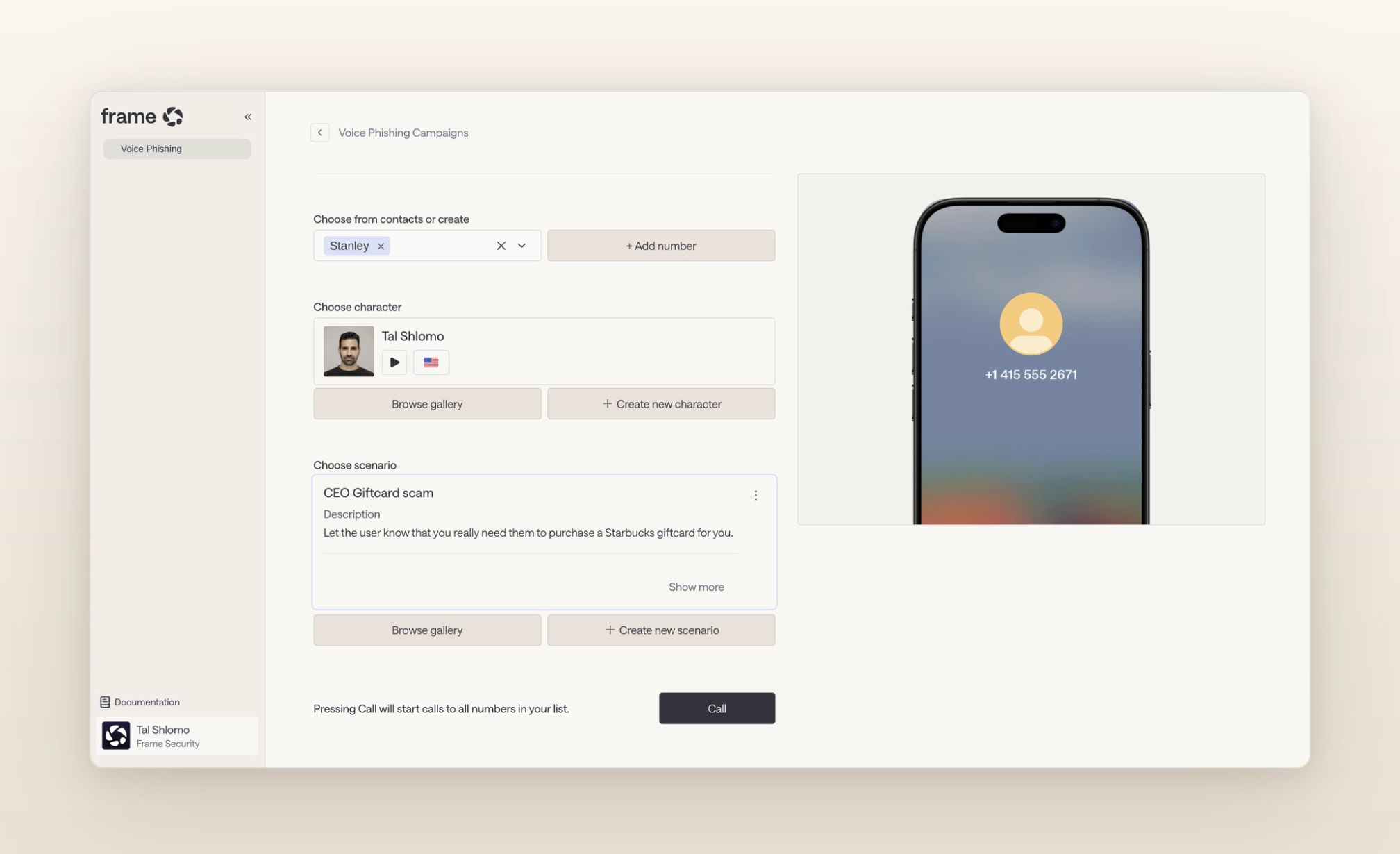
- Vishing: Voice phishing uses phone calls to impersonate someone the target trusts. Learn more about voice phishing trends in 2026.
- Smishing: SMS phishing uses deceptive text messages to steal information or prompt an action.
- Quishing: QR phishing uses malicious QR codes to direct people to fake or malicious websites.
BEC accounts for particularly high documented losses. The FBI’s Internet Crime Complaint Center recorded $3.05 billion in reported BEC losses in 2025.
Relationship and pretext-based attacks
These attacks create a false identity, role, or relationship to give the attacker a credible reason for making a request.
- Pretexting: An attacker invents an identity and situation that justify a request, such as an auditor asking for records or IT support requesting access.
- Baiting: An attacker offers something tempting, such as a USB drive left where an employee will find it.
- Quid pro quo: An attacker offers help or another benefit in exchange for information or access.
- Scareware: A false security warning pressures someone to install malicious software, visit a malicious website, or share information.
- Angler phishing: An attacker poses as customer support on social media to target people asking the real company for help.
Environment and access-based attacks
These attacks exploit physical spaces or digital environments that people already trust.
- Tailgating: An attacker follows an authorized employee through a secure entrance without presenting their own credentials.
- Piggybacking: An attacker gains physical access with an authorized person’s knowledge, such as asking them to hold open a secure door.
- Watering hole attack: An attacker compromises a website frequently visited by the people or industry they want to target, using that trusted site to deliver malicious code or malware.
- MFA fatigue: An attacker repeatedly sends multi-factor authentication (MFA) requests in the hope that the target eventually approves one to make the notifications stop.
The AI-era attacks reshaping social engineering in 2026
AI hasn’t created new human instincts to exploit. Instead, it has made it easier to create convincing impersonations and personalized attacks at scale, including across channels that were previously more difficult or expensive to fake.
- Deepfake video and voice-clone impersonation: Attackers can impersonate a known person’s face or voice, such as a CEO appearing to approve a transfer on a video call or a colleague calling to request an urgent exception. The FBI’s IC3 recorded AI as a crime descriptor for the first time in its 2025 report, with 22,364 complaints and $893 million in associated losses.
- AI-generated spear phishing: Attackers can use public information from LinkedIn profiles, company websites, conference appearances, press releases, and other sources to create personalized phishing messages that reference real people, projects, and events.
- ClickFix and its variants: Attackers use fake CAPTCHA or verification prompts to convince people to run malicious commands themselves. Microsoft Threat Intelligence describes ClickFix campaigns that instruct targets to paste commands into tools such as the Run dialog, Windows Terminal, or PowerShell, allowing the technique to bypass some conventional security controls.
- Attacks inside collaboration tools: Attackers approach employees through platforms they already associate with trusted internal communication. The EtherRAT campaign abusing Microsoft Teams shows how fake IT support can move a social engineering attack inside a tool employees use for everyday work.
As the human threats landing on trained workforces in 2026 show, attacks can also move between channels. An email might establish the pretext, a text message might follow up, and a phone call might make the final request. Defending against only one channel can leave the rest of the attack untouched.
Real social engineering examples
These documented attacks show how social engineering works in practice, and the controls that could interrupt it.
Arup deepfake fraud
In 2024, an employee at engineering firm Arup was tricked into transferring HK$200 million after joining a video call with deepfake recreations of the company’s CFO and other colleagues. The employee made 15 transfers to five accounts.
The control: Require independent verification for high-value financial requests, even when the person making the request appears on a video call.
Google Salesforce breach
In June 2025, Google disclosed that one of its corporate Salesforce instances had been compromised through activity similar to UNC6040’s campaigns. The group impersonates IT support over the phone and persuades employees to authorize malicious connected applications, giving the attackers access to Salesforce data.
The control: Require identity verification before employees grant access or authorize applications at the request of IT support.
New Haven BEC attack
In 2023, attackers compromised an email account belonging to the City of New Haven Board of Education and created a fake email address mimicking one of its bus contractors. They used it to change the contractor’s payment information, leading the city to send approximately $5.9 million to an account controlled by the attackers.
The control: Verify changes to supplier payment details directly with the intended recipient using trusted contact information.
How to prevent social engineering attacks
Preventing social engineering attacks takes people, processes, and technology working together. Focus on four areas.
Train the response, then test it
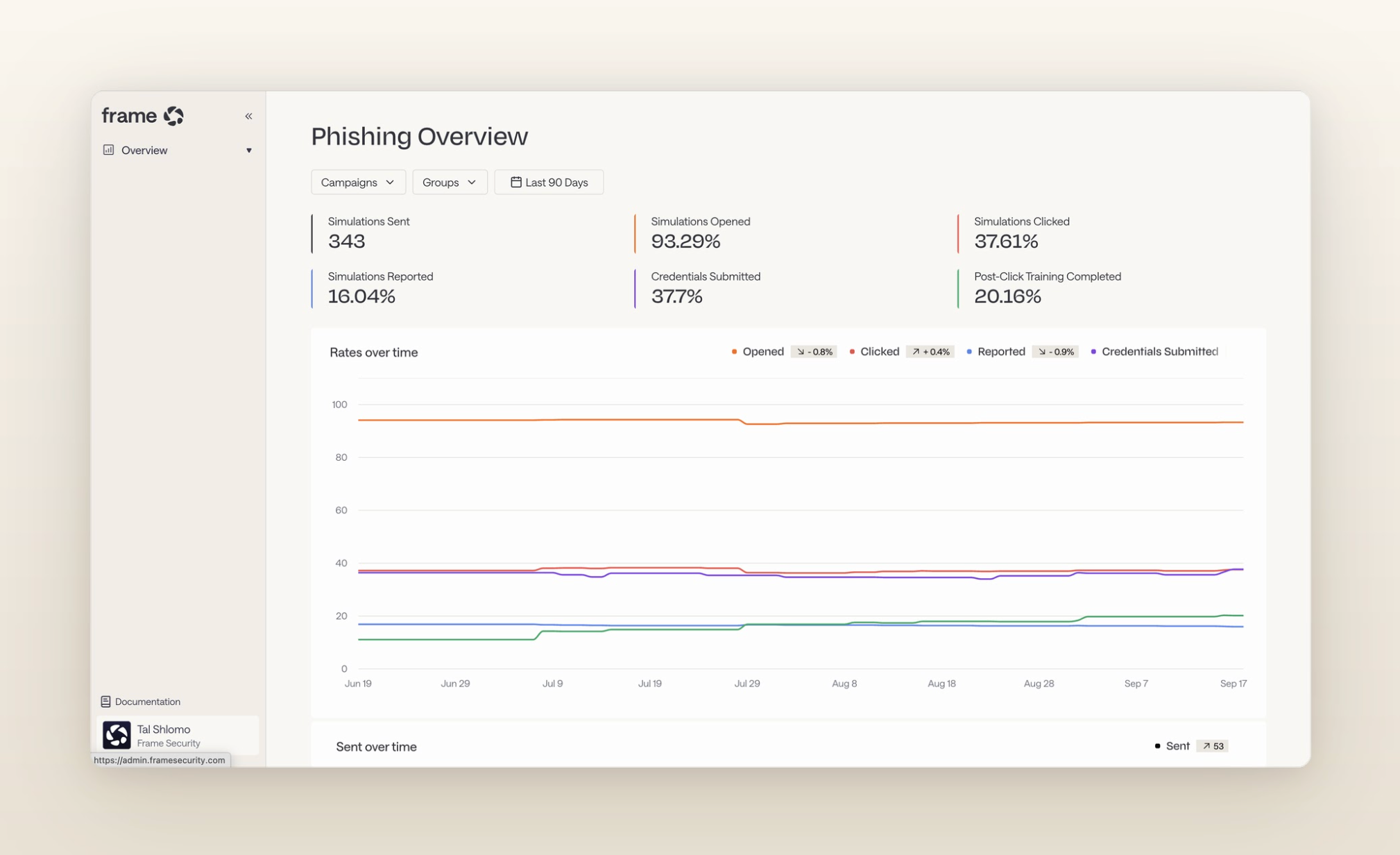
Teach employees to pause, verify suspicious requests through a trusted channel, and report them quickly. Then test those behaviors with realistic simulations across email, voice, SMS, and deepfake video, rather than phishing emails alone.
Use immediate coaching when someone falls for a simulation so they can practice the safer response while the scenario is still fresh. Security awareness training should build the response you want employees to use during a real attack.
Require verification for high-risk requests
Set clear verification steps for payment changes, credential resets, requests for sensitive information, and changes to access.
Verify through a separate, trusted channel using contact details already on file. Don’t allow urgency to override the process.
Layer technical controls
Use phishing-resistant multi-factor authentication (MFA), email security and spam filters, link protection, endpoint and antivirus software, and current operating systems to prevent or limit attacks.
Don’t rely on one control. BEC, vishing, and ClickFix can all bypass protections designed for other attack types.
Make reporting fast and blameless
Give employees an obvious way to report suspicious activity immediately, including after they’ve clicked, responded, or approved something.
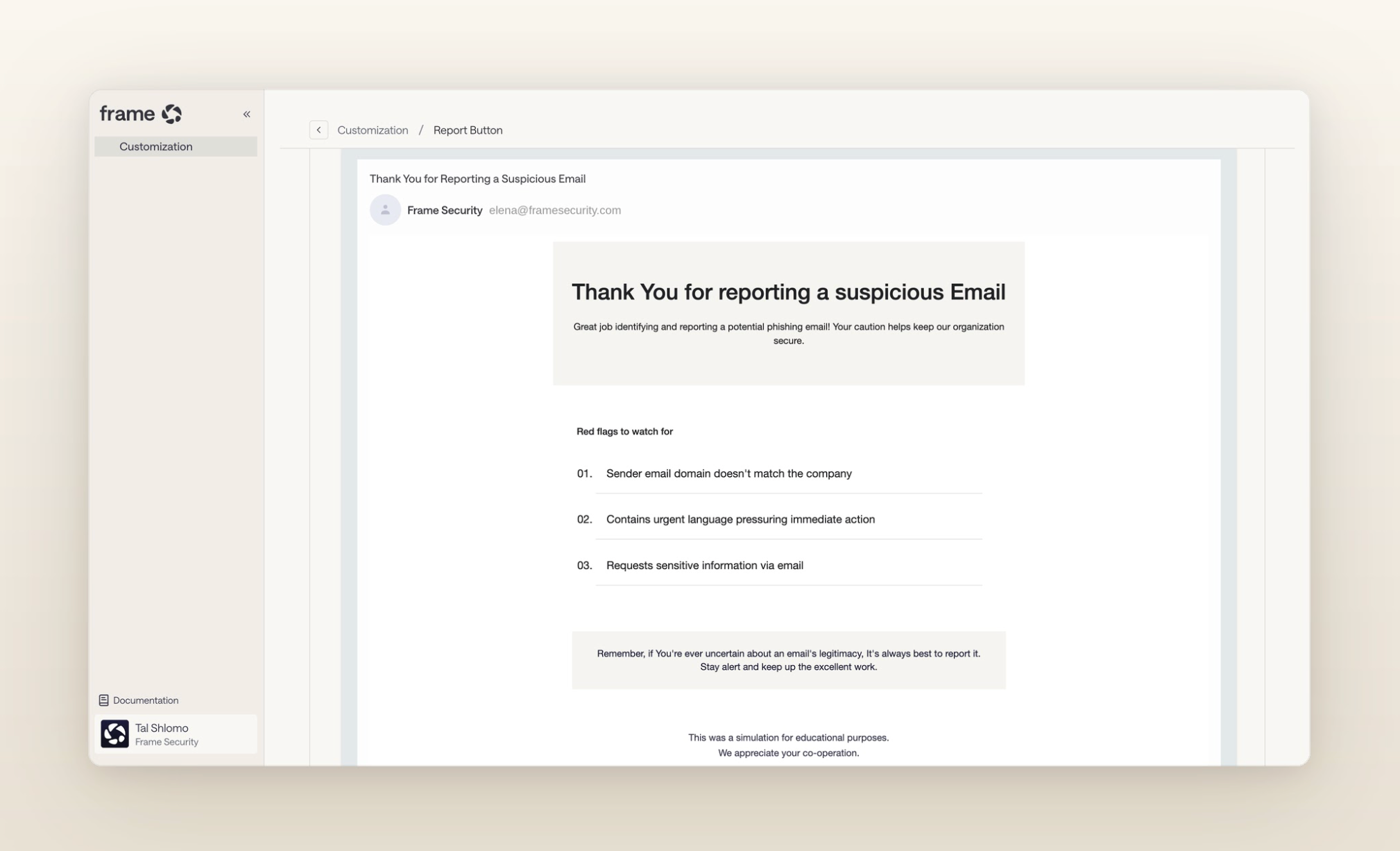
Track reporting rates and time to report, and use mistakes for coaching rather than punishment.
Turning awareness into measured resilience
Social engineering attacks will keep changing, and the channels attackers use will change with them. The goal isn’t to teach employees every attack they might encounter. It's to build a response they can use when something doesn't feel right: pause, verify, and report. The second half of the job is knowing whether they'll actually use it under pressure.
Frame Security turns that response into something security teams can test and measure:
- Simulate attacks across channels: Run phishing and deepfake simulations across email, voice, and deepfake video rather than testing the inbox alone.
- Make simulations specific to the employee: Use organizational context, including roles, reporting lines, vendors, and communication patterns, to recreate the kinds of social engineering attacks each employee could realistically receive.
- Test emerging threats: Prepare employees for spear phishing, business email compromise, voice phishing, and deepfake impersonation instead of relying on generic phishing templates.
- Coach at the moment of failure: Give employees immediate, scenario-specific guidance when they fall for a simulation, while the decision they made is still fresh.
- Measure behavior over time: Use behavioral signals from simulations and training to calculate a Human Risk Score for each employee and identify where human risk reduction efforts should focus.
- See risk across the organization: Track individual and team-level risk instead of relying on training completion or phishing click rates alone.
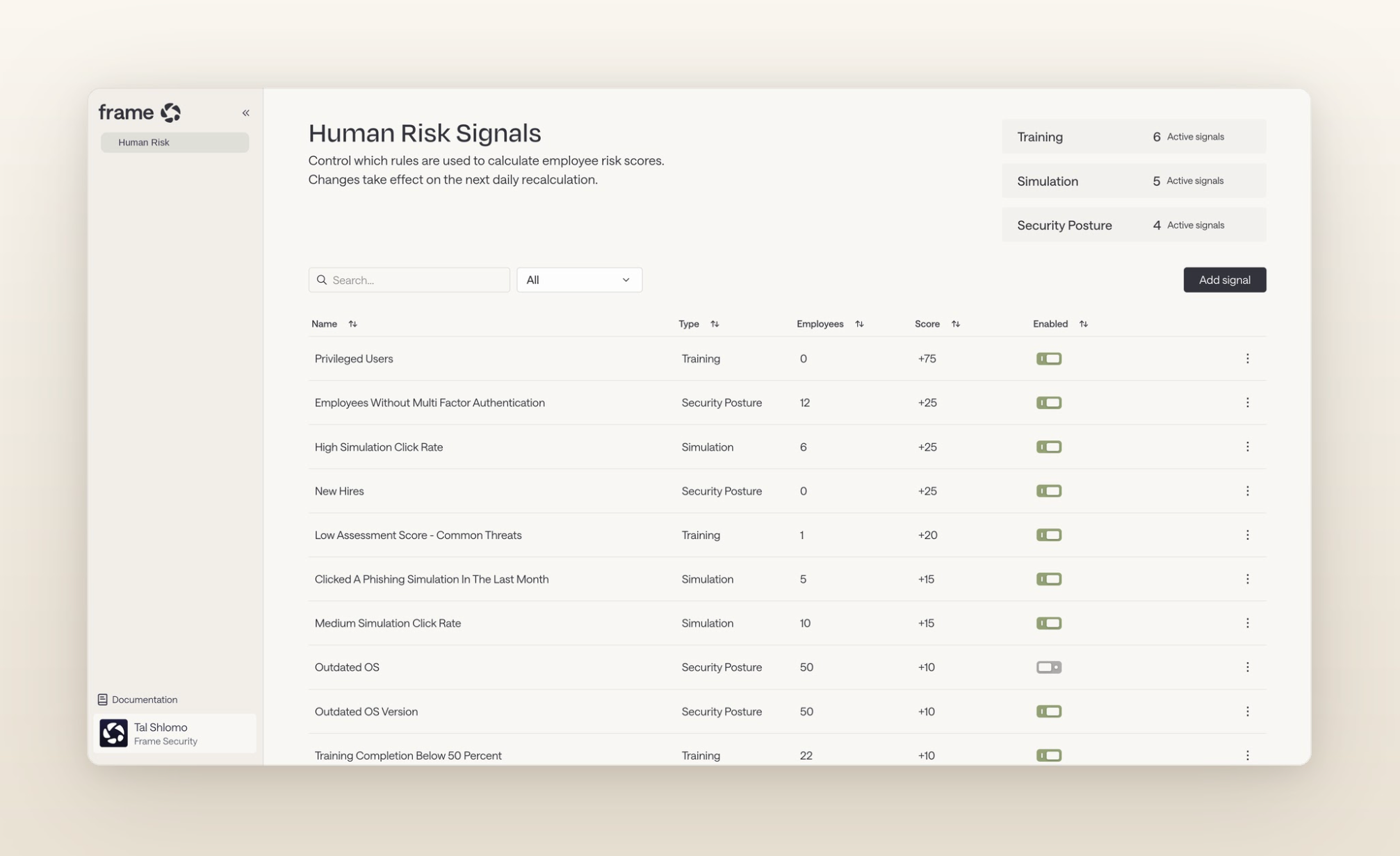
You can prepare people to respond when it arrives, and measure whether that preparation is working.
Book a demo to see how Frame tests human risk across the channels attackers actually use.
FAQs about social engineering attacks
What is the most common social engineering attack?
Phishing is one of the most common social engineering attacks. Cybercriminals use deceptive emails, messages, or websites to impersonate trusted sources and steal login credentials, financial information, or other sensitive information.
Can MFA prevent social engineering attacks?
Multi-factor authentication (MFA) can prevent some unauthorized access, but it isn’t enough alone. Attackers may use phishing, MFA fatigue, or impersonation to trick users into approving access.
How can employees spot social engineering?
Look for unexpected requests, urgency, unusual payment or access changes, and requests for confidential information. Pause and verify suspicious requests through a separate, trusted channel.
