
Most simulation training programs run the same way. Your employee clicks a link in a fake phishing email on Monday and sees a failure notice. A training module shows up in their queue later in the week, with a due date, if it shows up at all.
By then the moment has passed. At the click, the employee has just found out they were wrong, and the explanation costs them nothing to accept. Days later, the same explanation is one more task on a full calendar, and a program that waits has lost its best chance to teach employees how to recognize cyberattacks.
What follows covers what simulation training is, which types are worth running, how to run them without damaging trust, and what to measure.
What is cyber security simulation training?
Cyber security simulation training is the practice of sending your employees controlled, harmless recreations of real attacks to see how they respond and to teach them when they respond wrongly.
Cyber range exercises, which train security practitioners such as SOC analysts on incident response, are a separate discipline. So are penetration testing and ethical hacking, where specialists probe systems the way an attacker would. Simulation training puts social engineering in front of your whole workforce.
It works where modules and training courses alone don't, because it tests decisions in realistic scenarios rather than quiz recall. An employee can ace a quiz on credential harvesting and still enter a password into a convincing landing page at 4:50 p.m. on a Friday.
The simulation types worth running
Five simulation types cover the ways attacks reach your employees, and each tests something the others can't. Each also has a limit worth knowing before you build a program around it.
1. Email phishing simulations
Email is the baseline, and for most programs it’s the only channel they ever test. These simulations cover credential harvesting through a spoofed login page, malicious attachments (a common delivery route for ransomware), and link-based lures, across both mass phishing and targeted spear phishing.
Email also gives you the narrowest view. It measures one channel, and the most defended one, so a clean email click rate says nothing about how your employees handle the phone.
2. Voice phishing and vishing simulations
Vishing simulations place a call and test whether the person who picks up verifies identity under pressure. Anyone can spoof caller ID, so the number on the screen proves nothing about who is calling. The help desk is the highest-value target, because reset-request social engineering has the shortest path from a phone call to account takeover.
An attacker who talks an agent into an MFA reset needs nothing else. The reflexes help desk agents need to practice covers what a pass actually looks like.
The limit here is setup. You need phone numbers mapped to people, and many programs have never assembled that list.
3. Deepfake video and cloned audio simulations
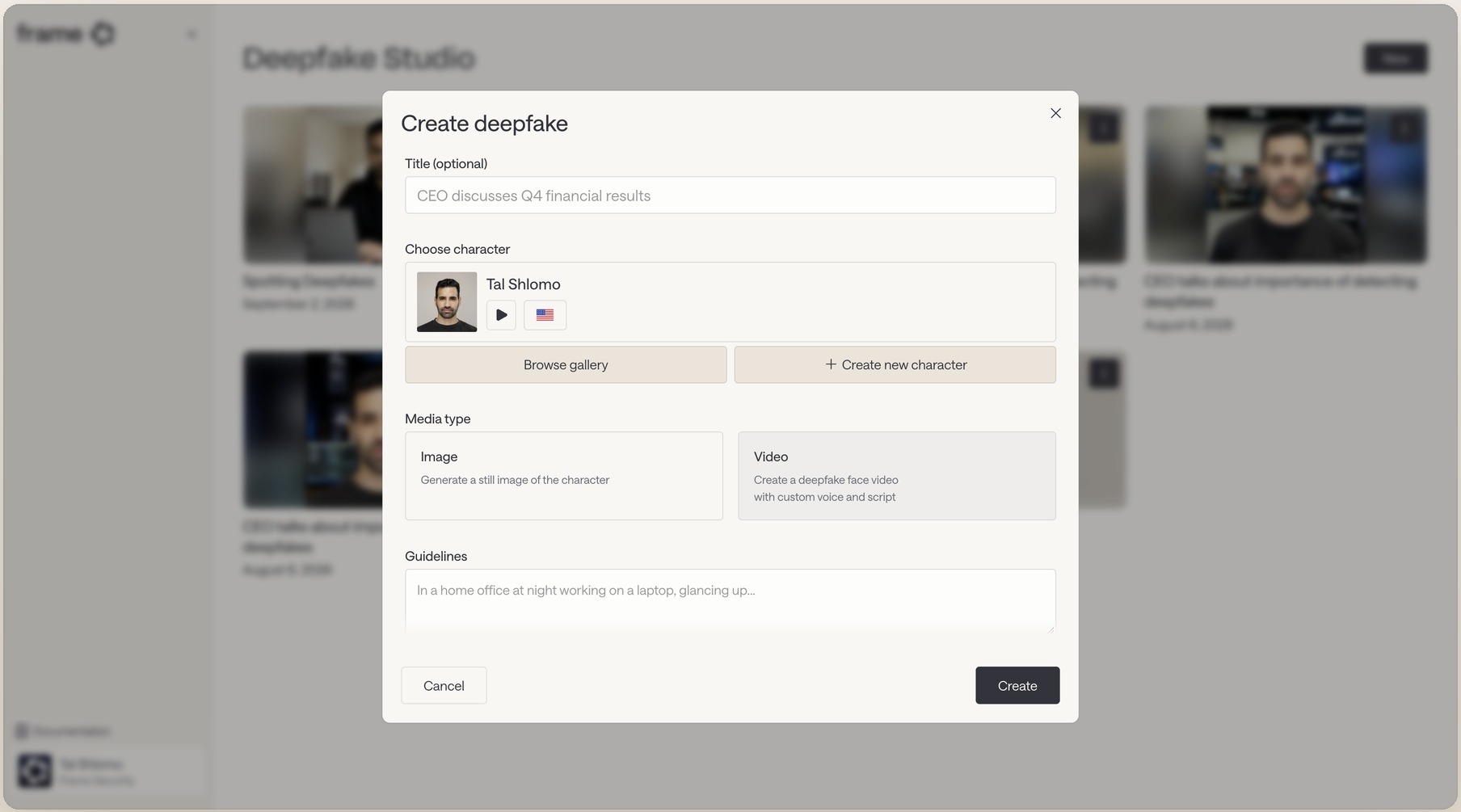
Deepfake simulations test what email can't: an approval request from a familiar face or voice, where the employee's verification habit is the only control left. A cloned voice fools people who know the speaker, so the simulation tests whether they verify anyway.
The format is recent enough that most employees have no prior reference for it, which makes your first campaign a baseline rather than a fair test.
4. QR code and smishing simulations
Printed QR codes and text messages (smishing, or SMS phishing) reach the people email-only programs never touch: frontline, shift-based, and non-desk staff who may not have a corporate inbox at all. For a warehouse, a clinical team, or a field workforce, a printed code or a text message may be the only simulation format that reaches them.
Coverage depends on physical placement or a phone number list, and both take more setup than an email campaign.
5. Tabletop exercises for incident response
A tabletop exercise complements the other four types and doesn't replace any of them. It tests your response process (who gets called, what the incident response plan says, whether decision-making holds under pressure) rather than individual behavior.
It also has the narrowest audience, a room of people who already work in security. It tells you nothing about the 4,000 employees who don't.
A simulation only counts as training if the lesson lands
The industry calls it simulation training, but a failure notice followed by a module assigned next week is a test with paperwork attached. The training starts when the lesson reaches your employee while the mistake is still fresh.
That means coaching that appears immediately, names the specific cue that fooled them, such as a lookalike sender domain or a manufactured deadline, and takes under a minute to finish. Training delivered at the moment of failure covers the triggers and scenarios in detail.
Timing is half the job, and cadence is the other half, because the effect fades. A single simulation gives you one data point, and a schedule of them keeps the effect from wearing off. How quickly a simulation's effect decays covers the decay curve.
Running simulations without damaging trust
One failure mode undoes a program faster than any technical mistake. When simulations run as a gotcha, with public failure lists, disciplinary framing, or a landing page that congratulates itself on catching someone, your employees stop reporting suspicious messages. Reporting is the behavior worth the most in the entire program.
Three practices keep the program credible:
- Never name individuals publicly. Keep failure data aggregated and out of manager conversations unless a genuine pattern shows up.
- Measure and publish report rate instead of punishing clicks. A program that celebrates low click rates teaches people that doing nothing is correct, and doing nothing leaves you with no data.
- Tell employees up front that simulations happen and why. They should expect the program, and only the scenario should surprise them.
On the design side, mix difficulty levels in every campaign so results stay comparable over time, and resist drifting toward easier lures that produce a flattering trend.
Avoid lures that exploit personal or emotive subjects, such as fake bonuses, layoffs, or benefits changes. They generate high click rates and teach employees that the security team will manipulate them. Get HR and legal alignment in writing before any campaign that touches payroll, benefits, or bonuses.
Run simulations continuously or monthly instead of annually, and give higher-risk roles harder scenarios on a tighter cycle.
What to measure in a simulation program
Click rate is the number everyone reports and the weakest of the set on its own. Five others carry more.
- Report rate. The share who flagged the message. This is the behavior you actually want.
- Time to report. The gap between delivery and the first report is the head start your responders would get in a real incident.
- The neither group. Those who neither clicked nor reported, usually the largest segment and the least examined. Unclassified rather than safe.
- Repeat-failure concentration. Whether failures cluster in a small group or spread evenly, which calls for entirely different responses.
- Movement per department over time. Direction, segmented, is the version an executive can act on, because it shows where your cybersecurity posture is improving.
Why completion rates measure the wrong thing makes the broader case against attendance metrics.
One comparison trap is worth guarding against. A click rate that rose because the simulation got harder is not a regression, and reporting it as one damages the program's credibility the first time somebody checks.
Record difficulty with every campaign on a consistent scale. NIST's Phish Scale rates a message on its observable cues and on how well its premise aligns with the recipient's actual work, which explains click rates rather than merely producing them.
What to look for in cyber security simulation training software
Four questions will tell you most of what you need to know about any simulation platform that runs cyber attack simulations, and you can put them to every vendor on your shortlist. Each vendor has a polished demo answer, so the follow-up that asks how the platform actually does it matters more than the first reply.
1. Which channels does it simulate?
If the answer is email only, the voice, video, and QR attacks above stay untested. Frame Security runs phishing and deepfake simulations across email, voice, and deepfake video.
2. Where do scenarios come from?
A fixed template library tests whether employees recognize a template, and it falls behind what attackers actually send unless someone keeps it current with threat intelligence. Frame generates scenarios from the organization’s own org chart, vendors, and communication patterns, with difficulty adapting per employee as behavior changes.
3. What happens the moment someone fails?
The decisive question, for the reasons above. Frame delivers coaching in the moment, tied to that specific simulation, in more than 70 languages, at the point at which a test becomes security awareness training.
4. What does it produce as output?
Every outcome (click, submission, report, or no action) feeds a per-employee Human Risk Score alongside training engagement and other behavioral signals, so you can track human risk reduction by person and department instead of as a campaign average.
Sending a simulation is the easy part, and any tool on the market can do it. What reaches your employee right after they click decides whether anyone learned anything.
Book a demo to see the coaching Frame delivers at that moment.
